Industry Insights
How AI Improves Construction Site Safety
Build Hero Team ·
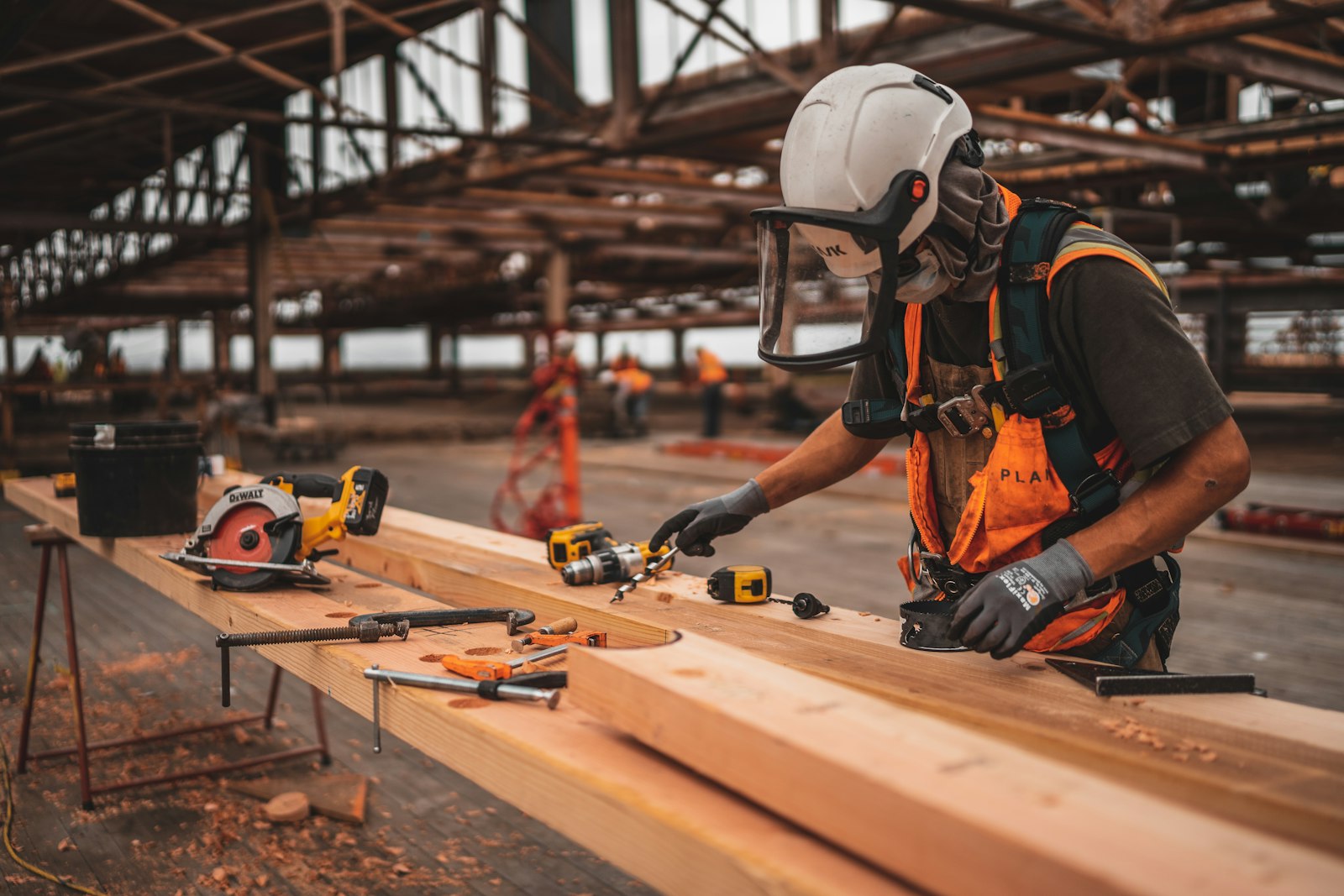
AI improves construction site safety mainly by helping people notice hazards sooner and more consistently: computer vision can flag missing protective equipment or unprotected edges in photos and video, software can turn inspection checklists and incident reports into risk patterns, and sensors can warn about conditions like heat or a person entering a machine's blind spot. It does not make a site safe on its own. Safety still depends on planning, training, supervision and a culture where anyone can stop work.
This guide explains where AI helps, where it doesn't, and how to introduce it responsibly.
Why construction safety is still a hard problem
Construction remains one of the most dangerous industries in the United States. According to OSHA, citing Bureau of Labor Statistics data, there were 389 fatal falls to a lower level out of 1,034 construction fatalities in 2024, which makes falls the leading cause of death in construction (OSHA Stop Falls campaign). The most frequently cited OSHA standards tell a similar story: fall protection, scaffolding, ladders, fall protection training and eye and face protection in construction are all on the agency's top 10 list.
The underlying risk factors are well known:
- Work at height on roofs, scaffolds, ladders and open floor edges.
- Moving equipment and vehicles with limited visibility.
- Changing conditions. A site looks different every day, so yesterday's safe path may not be safe today.
- Many employers on one site, each with its own crew, training and habits.
- Heat, fatigue and schedule pressure, which erode attention.
How AI can support jobsite safety
Hazard detection with computer vision
Computer vision models can review photos and video from fixed cameras, drones or phones and flag likely hazards: a worker without a hard hat or high-visibility vest, a missing guardrail, materials stacked in an exit path, or a person standing inside an excavator's swing radius. The value is coverage. A safety manager cannot watch every camera all day; software can watch continuously and send only the moments that need attention.
Faster, more consistent inspections
Inspections generate a lot of data that rarely gets analyzed. AI can help by turning photos and notes into structured findings, suggesting checklist items based on the work scheduled for the day, and comparing results across sites to show which hazards keep recurring.
Risk assessment from records
Near-miss reports, incident logs, inspection results and schedules can reveal patterns: more incidents on certain tasks, at certain times of day, or with certain subcontractors. Language models can read free-text reports that would otherwise sit unread and group them into themes a safety team can act on.
Monitoring conditions
Sensor-based systems can monitor heat, noise, air quality or proximity to equipment and alert workers or supervisors when a threshold is crossed. These are usually separate devices and platforms, and their usefulness depends on reliable connectivity and calibration.
Practical examples of AI-assisted safety workflows
- Daily photo review. Supervisors upload site photos at set times. A vision model flags possible missing guardrails or PPE, and the supervisor confirms or dismisses each flag before anything is logged.
- Pre-task planning. Before high-risk work such as roofing or trenching, the crew reviews a hazard checklist that software pre-filled from the day's schedule. The crew adds what the software missed.
- Near-miss analysis. Every month, free-text near-miss reports are summarized into recurring themes, which become the topics for toolbox talks.
- Equipment proximity alerts. Wearable tags or camera systems warn an operator when someone enters a blind spot.
In every one of these, a person makes the final call.
Benefits
- More eyes, more of the time. Software can review far more footage and records than a person can.
- Consistency. The same hazard is flagged the same way on every site and every shift.
- Earlier intervention. Patterns show up in data before they show up as injuries.
- Better use of safety staff. Time shifts from searching for problems to fixing them.
Limitations
- False positives and false negatives. Vision models miss things, especially in poor light, clutter or unusual camera angles, and they also raise false alarms. Too many false alarms train people to ignore alerts.
- AI sees the image, not the context. A worker without a harness may be inside a guardrailed area where one isn't required. A model may not know that.
- Coverage gaps. Cameras only see where they point. Many hazards, such as a poorly shored trench, need a competent person on site.
- Cost and connectivity. Cameras, sensors and bandwidth are not free, and smaller sites may not justify them.
Privacy considerations
Cameras and wearables on a jobsite collect data about people. Before deploying them:
- Tell workers what is collected, why, and who sees it. Surprise surveillance destroys trust and usually reduces reporting.
- Use the data for safety, not discipline by default. If every flag becomes a write-up, people will hide near-misses.
- Limit retention. Keep footage only as long as you need it.
- Check the law. Recording and biometric rules vary by state and city, and union agreements may apply. Get legal advice before rolling out video analytics or wearables.
Why human oversight matters
AI can support a safety program but cannot be the program. OSHA's Recommended Practices for Safety and Health Programs center on management leadership, worker participation, hazard identification and assessment, hazard prevention and control, education and training, program evaluation and improvement, and communication and coordination between host employers, contractors and staffing agencies. AI can strengthen hazard identification and evaluation. It cannot provide leadership, training or a culture where stopping unsafe work is expected. The NIST AI Risk Management Framework is a good general reference for keeping humans accountable for AI-assisted decisions.
Practical recommendations
- Start with your highest-risk activity, such as falls from height, not with the most impressive technology.
- Pilot on one site with clear success criteria, for example how many valid hazards were flagged and corrected.
- Involve workers early. Explain the purpose and ask for feedback on alerts.
- Tune for usefulness. Fewer, better alerts beat a constant stream.
- Keep the competent person in charge. AI findings are inputs to their judgment, never a replacement.
- Review the program regularly and drop tools that don't measurably help.
Frequently asked questions
Can AI prevent construction accidents?
AI can help prevent some accidents by flagging hazards earlier and more consistently, but prevention still depends on planning, training, supervision and the right equipment. Treat AI as an extra set of eyes, not a guarantee.
What is computer vision used for in construction safety?
Mostly for detecting missing PPE, unprotected edges, people near operating equipment and housekeeping problems in photos or video, so that a person can review and act on them.
Does AI replace safety inspections?
No. AI can make inspections faster and more consistent, but required inspections and competent-person duties stay with qualified people.
Is it legal to monitor workers with AI cameras?
It depends on your state, city and any labor agreements. Workers should be informed, data use should be limited to legitimate purposes, and you should get legal advice before deploying video analytics or wearables.
Is AI safety technology affordable for small contractors?
Some tools, such as phone-based photo review, are low cost. Fixed cameras, sensors and wearables cost more. Start small and expand only if the pilot shows real value.
What are the most common construction hazards AI can help with?
Falls from height, struck-by incidents with vehicles and equipment, missing PPE and poor housekeeping are the hazards most often targeted by current tools.
A note on Build Hero
Build Hero does not offer safety monitoring, hazard detection or inspection software, and nothing in this article describes a Build Hero feature. Our platform focuses on planning and managing renovation projects: room scans, AI cost estimates and connecting homeowners with contractors. Contractors on the platform can list safety certifications such as OSHA training on their profile, but verifying site safety remains the responsibility of the contractor and the people on site.