Industry Insights
How AI Improves Construction Project Management
Build Hero Team ·
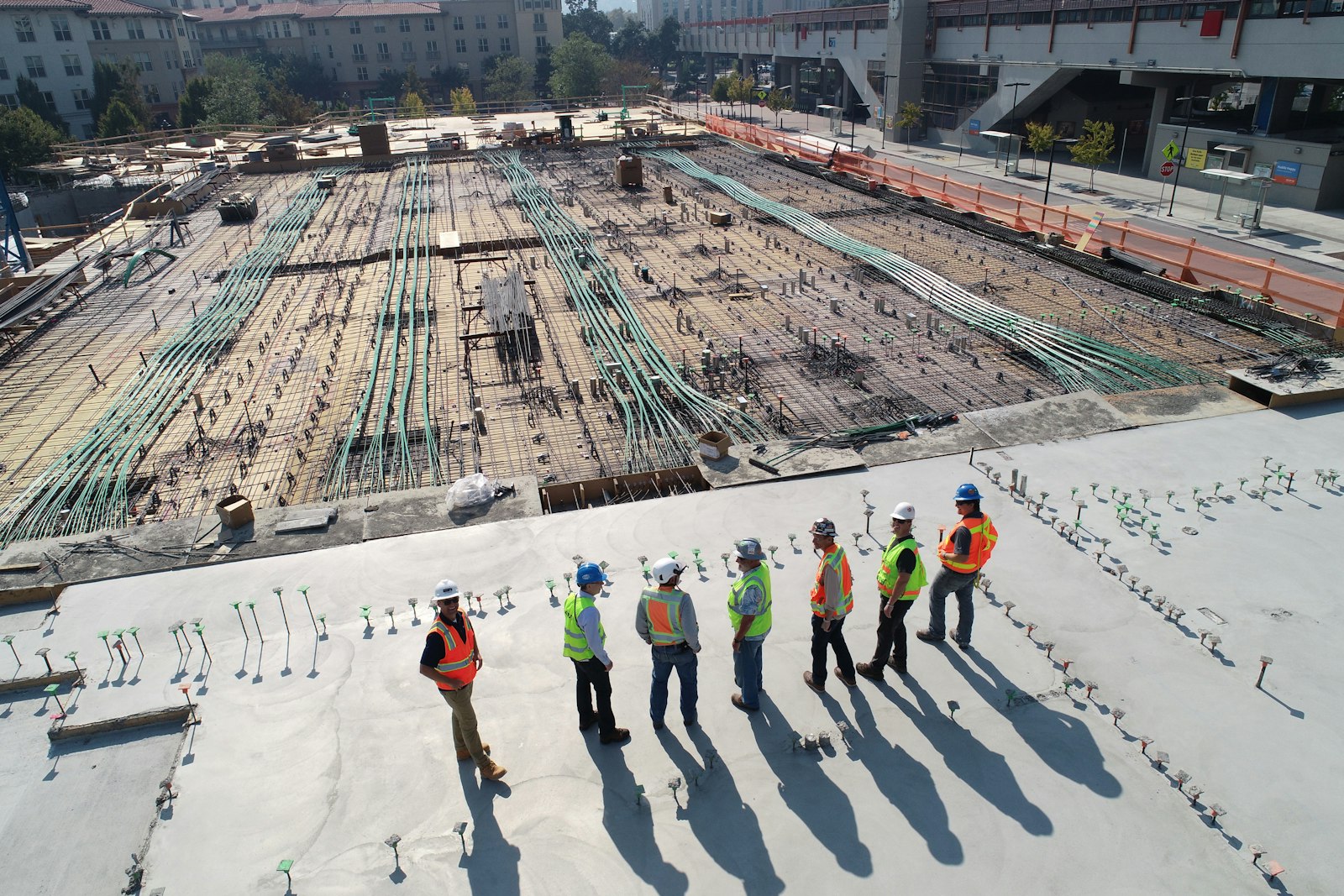
AI improves construction project management by doing the tedious, data-heavy parts of the job faster: turning measurements and scope into estimates and task lists, reading progress updates for slippage, flagging overdue work and cost drift, and summarizing what changed since yesterday. It does not replace the project manager. The decisions that move a job forward, such as who to hire, what to sequence first and when to push back on a change, still need a person who knows the site, the crew and the client.
This guide covers where AI genuinely helps, where it falls short, and how to adopt it without adding chaos to a job that already has plenty.
Why construction projects are hard to manage
Construction is a coordination problem wrapped around a physical one. A typical renovation or build involves an owner, a general contractor, several trades, suppliers, inspectors and sometimes a designer or architect, each with their own calendar and their own version of the plan. The common failure points are familiar to anyone who has run a job:
- Scope that is never fully defined. Bids, budgets and schedules are built on assumptions nobody wrote down.
- Information scattered across texts, emails and paper. The latest decision lives in someone's phone.
- Progress that is reported late or not at all. A slipped task is discovered when the next trade shows up and can't start.
- Changes without a paper trail. A verbal "go ahead" becomes a billing dispute three weeks later.
- Budgets tracked after the fact. Overruns show up at the end of a phase instead of while there is still time to react.
None of these are exotic. They are what happens when many people work from incomplete, out-of-date information. That is exactly the kind of problem software, and AI in particular, is good at chipping away at.
How AI supports construction project management
Scope and estimating
The earliest decisions on a project have the largest effect on everything after them. AI models can take a project description, room measurements and finish selections and produce an itemized estimate with low and high ranges, a contingency line and a list of assumptions and risk factors. A good estimate also says where it is unsure, which turns into a ready-made list of questions for bidders. We cover how to read one in What an AI Estimate Can — and Can't — Tell You.
Scheduling and task tracking
Once the scope is defined, it has to become work: tasks with owners, due dates and priorities. AI can draft a first task list from the scope, suggest a sensible order (demolition before rough-in, rough-in before inspection, inspection before drywall), and estimate a duration range. Day to day, the more valuable job is monitoring: comparing due dates with status updates and surfacing the tasks that are overdue or at risk before they block the next trade.
Progress monitoring
Photos, messages and status updates are a rich source of progress data, but nobody has time to read all of them. AI can summarize activity across a project, highlight what changed, and point out mismatches, such as a task marked done while a related inspection is still pending. The value is not that the software knows more than the superintendent; it is that it reads everything, every day, without getting tired.
Resource allocation
For contractors running several jobs, AI can help balance crews and subcontractors across projects by looking at task load, due dates and dependencies. This works best when the underlying schedule is kept current. A model that plans around stale data will confidently allocate people to work that already moved.
Communication
A surprising amount of project management is translation: turning a contractor's update into something an owner understands, or an owner's question into a clear request. AI is useful for drafting updates, summarizing long message threads, and turning a meeting into a short list of decisions and next steps. Everything it drafts should still be read before it is sent.
Practical examples of AI-assisted workflows
Here is how these pieces fit together on a typical residential remodel:
- Capture the space. The owner scans the room with a phone. The scan becomes a measured model with floor area, wall lengths and ceiling heights. (Why that matters: Why Exact Measurements Change Your Renovation Quote.)
- Generate an estimate. The scan, scope and finish choices feed an AI estimate with line-item ranges, contingency and an estimated duration.
- Turn scope into a plan. The team creates tasks and schedule events from the scope, each with an owner, a due date and a priority.
- Track the budget by phase. Demolition and framing, electrical, plumbing and finishes each get an allocation, and spending is recorded against them.
- Handle changes formally. When the owner wants a different tile halfway through, the change is written up, priced and signed by both sides before work changes.
- Watch for slippage. Overdue tasks and phases trending over budget are surfaced early, while there is still time to adjust.
Benefits of AI in construction project management
- Faster, better-defined starts. Estimates and task lists that used to take days can be drafted in minutes, leaving more time for review.
- Earlier warnings. Overdue tasks, budget drift and missing approvals surface while they are still small.
- Fewer disputes. When changes, approvals and messages live in one record, there is less room for "I never agreed to that."
- Less administrative load. Summaries and drafted updates give project managers back time for the site.
Limitations to take seriously
- Garbage in, garbage out. An AI schedule built on rough measurements or vague scope inherits every gap. Precision upstream matters more than sophistication downstream.
- AI does not see the site. It cannot tell that the subfloor is soft or that the neighbor's tree is leaning on the power line. Site judgment stays human.
- Confident output is not correct output. Models can produce plausible but wrong quantities or sequences. Every estimate and plan needs review by someone qualified.
- Adoption is the real cost. A tool that half the team ignores produces a record that is half true, which can be worse than no record.
The NIST AI Risk Management Framework is a useful, vendor-neutral reference for thinking about these risks, especially accountability and human oversight.
Common mistakes when adopting AI
- Automating a broken process. If nobody updates task status today, an AI that reads task status will not fix that.
- Buying for features instead of problems. Start from the two or three failures that cost you the most, not from a demo.
- Skipping the review step. Treat AI output as a first draft, always.
- Running parallel systems. If the old spreadsheet and the new tool both stay "official," neither is.
A step-by-step approach to adopting AI
- Name the problem. Pick one measurable pain point, such as late change-order approvals or estimates that take too long.
- Clean up the inputs. Standardize how scope, measurements and status updates are captured.
- Pilot on one project. Choose a job with a cooperative owner and crew, and keep the old process as a fallback.
- Assign an owner. One person is responsible for keeping the tool current and for collecting feedback.
- Review everything AI produces. Estimates, schedules and messages get a human check before they matter.
- Measure and decide. After the pilot, compare against your baseline and decide whether to expand, adjust or stop.
Frequently asked questions
Can AI replace a construction project manager?
No. AI can draft estimates and plans, track status and summarize information, but decisions about people, sequencing, safety and client relationships require a person with site knowledge and accountability.
What data does AI need to help manage a construction project?
At minimum: a defined scope, reliable measurements, a task list with owners and due dates, and regular status updates. The more consistent those inputs are, the more useful the output.
Is AI project management only for large contractors?
No. Small contractors and homeowners often benefit the most, because they have the least administrative support. The key is choosing tools that fit the size of the job.
How accurate are AI construction estimates?
They are planning tools, not bids. A good AI estimate gives ranges, states its assumptions and flags uncertainty. Accuracy depends heavily on measurement quality and how well the scope is defined.
Does AI help with change orders?
AI can help draft and price a change, but the important part is process: every change should be written down, priced and approved by both sides before work changes.
What is the biggest risk of using AI on a construction project?
Over-trusting output that looks confident. Treat every AI-generated estimate, schedule or message as a draft that a qualified person reviews.
How Build Hero fits in
Build Hero brings several of these workflows into one place for renovation projects. Homeowners can scan rooms with an iPhone's LiDAR sensor and get an AI cost estimate with line-item ranges, contingency, risk factors and an estimated duration. Once a project is underway, the project workspace keeps tasks with due dates and priorities, a schedule and timeline, budgets by phase, milestones the contractor marks complete and the homeowner approves, change orders signed by both parties, project messaging, documents and photos in one record.
If you are planning a renovation in our California service area, see how Build Hero works. If you are a contractor, the Build Hero for Pros page explains what the platform offers your business.