Industry Insights
How to Use AI to Optimize Construction Project Timelines
Build Hero Team ·
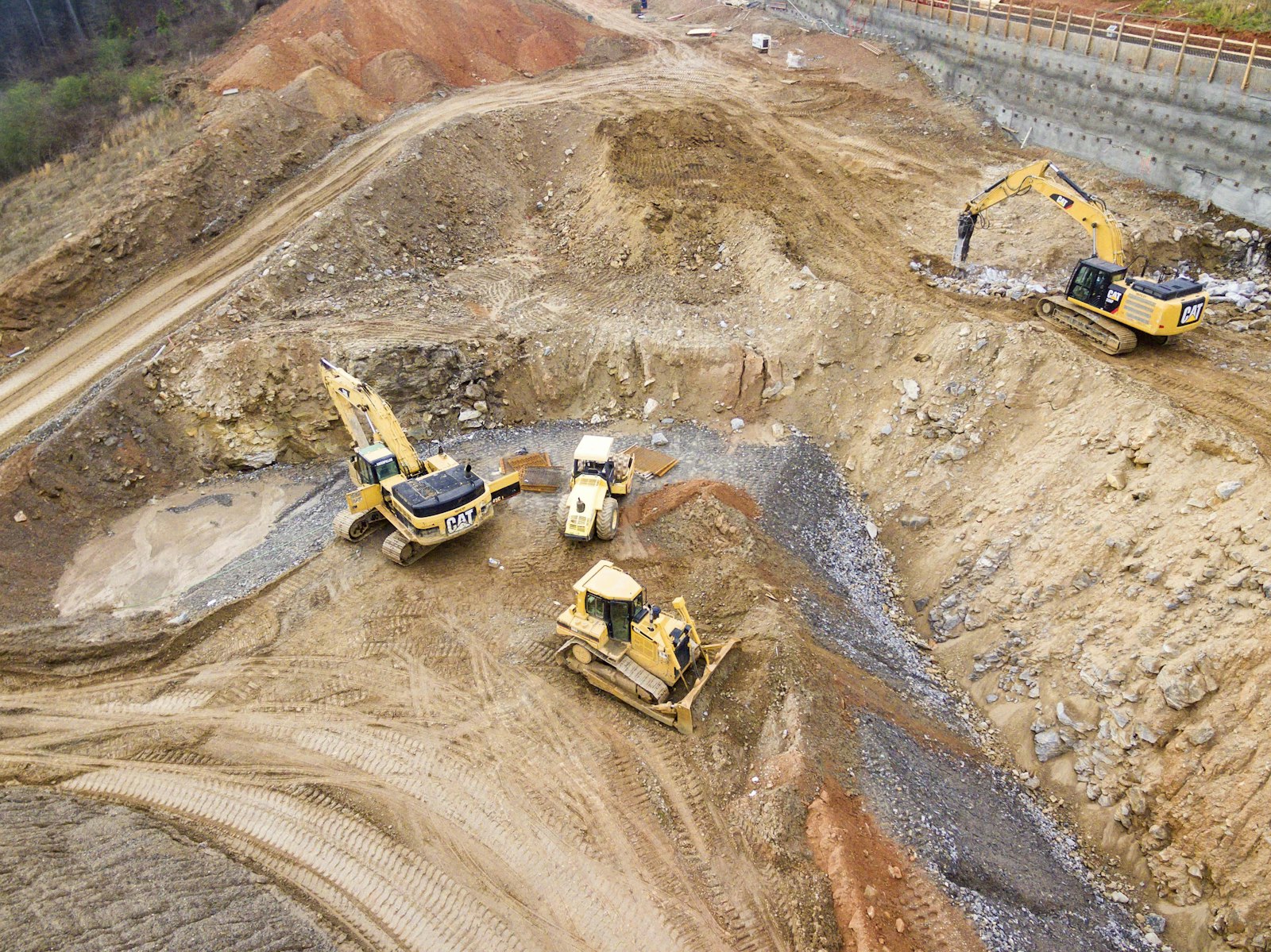
You can use AI to optimize construction project timelines by letting it do the planning work that is slow and error-prone by hand: drafting a task sequence from the scope, estimating duration ranges, checking dependencies, comparing progress with the plan and flagging tasks likely to slip before they delay the next trade. The schedule still belongs to the people running the job. AI cannot guarantee a shorter project; it helps you build a more realistic plan and react earlier when reality diverges from it.
Why construction projects run late
Delays usually come from a few predictable sources:
- Undefined scope and late decisions. Work can't start until selections are made, and changes mid-project ripple through the schedule.
- Unrealistic durations. Schedules built on optimism instead of evidence.
- Missed dependencies. A trade arrives before the work it depends on is finished or inspected.
- Material lead times. Special-order items such as windows, cabinets or electrical gear arrive late.
- Permits and inspections. Approval and inspection timing is outside the contractor's control.
- Crew availability. Subcontractors juggle several jobs, and one slip cascades.
- Hidden conditions and weather. Some surprises can't be planned away, only buffered.
- Slow communication. Problems surface days after they happen.
How AI supports construction planning
Scheduling
From a defined scope, AI can draft a task list and a logical sequence, such as demolition, framing, rough mechanical, inspection, insulation, drywall and finishes, and suggest duration ranges. A draft is a starting point. The superintendent adjusts it for crew sizes, site access and local inspection timing.
Task dependencies
Dependencies are where schedules break. Software can check that every task has its predecessors defined, that inspections sit between the work they inspect and the work that covers it up, and that long-lead materials are ordered early enough for the tasks that need them.
Resource allocation
When several tasks or projects compete for the same crew, AI can help spot conflicts and suggest a feasible order. This is most useful for contractors running multiple jobs at once.
Progress tracking
Status updates, completed tasks and approved milestones show where the project really stands. AI can compare that with the plan and summarize what is ahead, on track or behind.
Delay prediction
By looking at overdue tasks, late approvals, pending change orders and missing materials, software can flag work that is likely to slip next, while there is still time to resequence or add help. Predictions improve when there is reliable history from similar projects.
A step-by-step workflow
- Define the scope precisely. Measure the space, list the work and make finish selections before scheduling. Precision here prevents most downstream delays. (See Why Exact Measurements Change Your Renovation Quote.)
- Get an estimated duration range. Use an estimate that includes a timeline range, not a single date, as your first reality check.
- Draft the sequence. Create tasks and milestones from the scope, with owners, due dates and dependencies.
- Identify long-lead items. Order special materials early and schedule around their delivery.
- Add buffers where uncertainty is highest, such as after demolition in older buildings and around inspections.
- Review the draft with the people doing the work. Trades will spot unrealistic durations immediately.
- Track progress weekly, or daily on fast jobs. Keep task status current, and record approvals and changes as they happen.
- React to early warnings. When a task goes overdue or a change is requested, update the plan the same day.
- Learn from the finished project. Compare planned and actual durations to make the next schedule more realistic.
Examples of AI-assisted planning
- Kitchen remodel. The scope and measurements generate an estimate with a duration range. The contractor builds the schedule around cabinet lead time, puts the electrical inspection before drywall, and adds a buffer after demolition for hidden conditions.
- Unit turns for a property manager. Repeating the same task template across many units lets planned-versus-actual data accumulate, so durations for paint, flooring and fixtures become more realistic with each turn.
- Contractor with three active jobs. A weekly review of overdue tasks across projects shows the tile crew is booked twice in the same week, so one job is resequenced before anyone arrives on site.
Limitations
- Data quality. A schedule is only as good as the scope, durations and status updates behind it. Stale task status makes predictions useless.
- Unpredictable events. Weather, inspections and hidden conditions can only be buffered, not eliminated.
- No guarantee of shorter projects. AI can make a timeline more realistic and problems visible sooner. It cannot promise a specific reduction in duration.
- Adoption. If crews don't update status, the software is planning against fiction.
- Human oversight. Sequencing involves safety, site access and relationships with trades. People should review and own every schedule change. The NIST AI Risk Management Framework is a useful general reference for this kind of accountability.
Frequently asked questions
Can AI create a construction schedule?
AI can draft a task list, sequence and duration ranges from a defined scope. A person who knows the site, crews and inspection process should review and adjust it before work starts.
Can AI predict construction delays?
It can flag work that is likely to slip based on overdue tasks, pending approvals, open changes and material status. Predictions are early warnings, not certainties.
Will AI shorten my construction project?
Not guaranteed. AI helps you build a more realistic plan and react earlier, which can prevent avoidable delays, but it cannot remove inspection waits, lead times or hidden conditions.
What information does AI need to plan a construction timeline?
A clear scope, accurate measurements, finish selections, material lead times, crew availability and regular progress updates.
How do I handle change orders in an AI-assisted schedule?
Write each change down, price it, get it approved by both parties and update the schedule the same day. Unrecorded changes are a common cause of schedule drift.
Is AI scheduling useful for small renovation projects?
Yes. Even small jobs benefit from a clear sequence, an honest duration range and visible overdue tasks.
How Build Hero helps
Build Hero's AI estimate includes an estimated project duration range alongside the itemized costs, so timeline expectations start from the same scope and measurements as the budget. During the project, the Build Hero workspace keeps tasks with due dates and priorities, schedule events in a shared timeline, overdue-task flags, milestones the contractor marks complete and the homeowner approves, and change orders signed by both sides. Scheduling decisions stay with your team; the platform keeps everyone looking at the same plan.
See how Build Hero works, or read about Build Hero for property managers if you manage many units.